






In today's business world, many automation solutions promise the moon but often fail after just a few steps. Others, however, work reliably in the background, keeping your entire company running smoothly.
We’ve put the most talked-about automation platforms of 2026 to the test—evaluating everything from workflow design and pricing structures to ease of use and real-world reliability.
Here are the 7 automation tools that truly deliver.
Comparison table: The 7 best automation tools
Pricing as of August 31, 2026. Providers change their plans frequently, so be sure to check the official pricing page before making a purchase.
What is automation software?
Automation software handles repetitive tasks or processes with minimal human intervention, helping teams save time, reduce errors, and boost efficiency.
These tools can handle everything from sending emails and updating CRM systems to managing inventory or syncing data across different platforms. Some use simple rule-based logic, while others leverage AI to make real-time decisions.
Automation software is used in a wide variety of areas: whether as a chatbot for lead qualification, a bot for invoice processing, or a workflow builder that assigns tasks and notifies your team.
Depending on the tool, it either runs invisibly in the background (like Zapier or UiPath) or works right by your side like an AI co-pilot. The goal is always the same: achieve more by letting machines handle the repetitive tasks.
The 8 best automation tools: At a glance
- Lindy: Great for building smart, task-specific agents
- UiPath: Perfect for enterprise-wide agentic automation
- Zapier: Ideal for no-codeapp integrations
- Make.com: Excellent for visual workflow automation with European data privacy standards
- Workato: Best for orchestrating processes across different tools
- n8n: Top choice for developer-friendly control without the enterprise bloat
- Microsoft Power Automate: Best for Microsoft-centric organizations
The best automation tools of 2026 in detail
1. Lindy: Intelligent, task-specific AI agents

What is it good for? Lindy automates complex work like emails, scheduling, CRM tasks, and research using AI agents.
Who is it for? Ideal for founders, operations managers, and lean teams looking to automate execution-heavy tasks.
Lindy was built to handle work that’s too flexible for traditional automation—like email conversations, scheduling, CRM updates, and follow-ups. Unlike rule-based tools, Lindy uses customizable AI agents that act like real team members. You assign them roles, not just tasks.
Setting up your inbox manager, for example, takes just a few minutes. After that, Lindy’s AI agents can immediately tag cold emails, flag sponsorship requests, and reply to simple messages—without any manual workflows or rule-building.
One of its most powerful features is Agent Swarms. Instead of running one automation at a time, you can apply a single Lindy agent to 50, 100, or even 1,000 items simultaneously.
Preparing for a sales call with 50 leads? Lindy can summarize LinkedIn bios, pull CRM notes, and review past emails—all at once.
You can use pre-built templates like lead enrichment, inbox cleanup, or meeting prep, or create your own workflows using a drag-and-drop interface.
Pros:
- Over 2,500 integrations via Pipedream
- Lindy Academy for 24/7 support
- Data retrieval from over 4,000 sources using Apify scraper
- Handles unstructured workflows, not just simple tasks
Cons:
- Complex workflows may have a learning curve
Pricing (as of August 31, 2026):
Lindy completely overhauled its pricing model in 2026: the former free plan (400 credits/month) and the $299.99 business plan no longer exist. The current options are:
- Plus: $49.99/month – standard usage, up to 2 mailboxes
- Pro: $99.99/month – 3x more usage volume, 3 mailboxes, model selection
- Max: $199.99/month – 7x more usage volume, 5 mailboxes
- Enterprise: Custom quote
Instead of a free plan, there is a 7-day free trial. Billing is monthly only, with no annual discount.
2. UiPath: Enterprise automation at scale
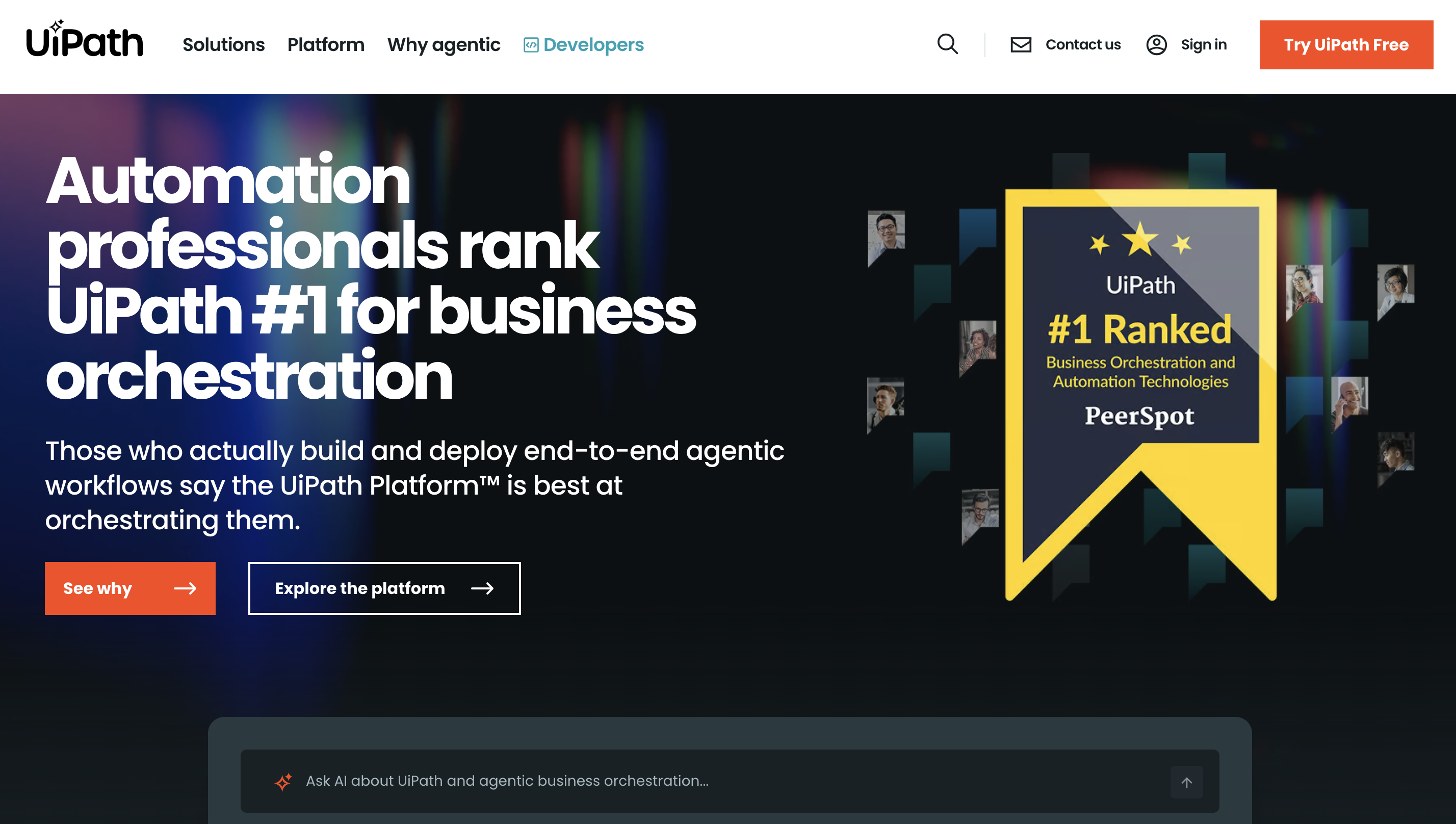
What is it good for? UiPath lets companies build advanced automation using AI agents and RPAbots.
Who is it for? Perfect for IT, finance, and support teams in large organizations.
UiPath is built for scalability. The Automation Hub lets your entire team suggest and prioritize automation ideas in one place, making it easier to decide what’s worth building.
The real standout feature is Agentic Automation—a capability that allows bots to work toward a goal without needing detailed, step-by-step instructions.
During testing, we set up an agent for a multi-app support scenario. It pulled customer data from Salesforce, ticket status from ServiceNow, and order info from SAP—all without having to manually link every single step.
Pros:
- Integrated testing and version control for reliability
- Large marketplace with plug-and-play components
- Supports AI prompt flows within enterprise automations
Cons:
- Long setup time for agentic workflows
- Steep learning curve for non-technical users
Pricing (as of August 31, 2026):
UiPath has discontinued its former Pro plan (previously a $420/month flat rate); this term now only exists as a license type for individual robots.
- Community Edition: Free – individual developers, up to 3 attended robots
- Basic: from $25/month – self-service, EU region, up to 2 robots
- Standard: custom quote (contact sales)
- Enterprise: custom quote, typically well over $10,000/year in practice
Robot licenses (Standard/Enterprise) are billed per robot; benchmark figures from partner calculations are around $420/year for attended and around $1,680/year for unattended robots, with Orchestrator billed separately.
3. Zapier: The go-to for no-code connections
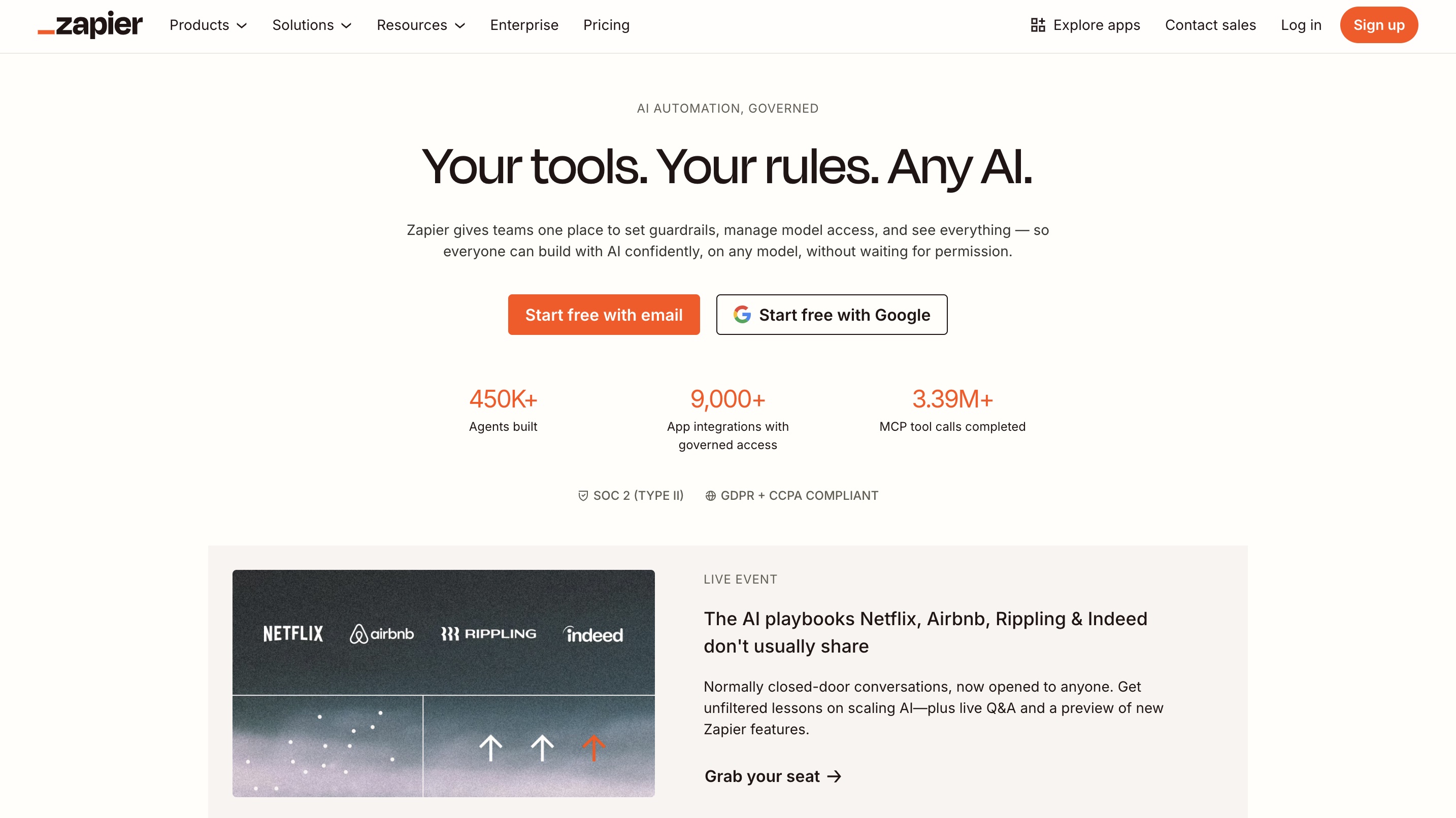
What is it good for? Zapier connects apps and automates workflows without any coding.
Who is it for? Perfect for solopreneurs, marketers, and non-technical teams.
Zapier is the top choice for everyday automation tasks like syncing form submissions, copying data, or sending follow-ups. You don't need any code—just pick your apps, define the workflow, and let Zapier handle the rest.
The AI assistant makes things even easier: when describing a simple workflow in plain language—"If someone fills out a form, send a thank-you email"—it instantly created a working Zap using Google Forms and Gmail. Setup took less than 5 minutes.
Where Zapier really shines is its ecosystem. It connects with over 7,000 apps, including Notion, Trello, Discord, HubSpot, and many more.
Pros:
- 24/7 custom sales chatbot
- Compliance with data protection standards like GDPR and CCPA
- Extensive resources for beginners
Cons:
- Can get expensive as you scale
- API changes can lead to hidden errors
Pricing (as of 08/31/2026):
- Free: 100 tasks/month, 2-step Zaps only
- Professional: from $19.99/month (billed annually) or $29.99/month (billed monthly) – 750 tasks, unlimited multi-step Zaps
- Team: from $69/month (billed annually) or $103.50/month (billed monthly) – 2,000 tasks, up to 25 users
- Enterprise: custom quote
4. Make.com: Visual workflow automation with European data protection
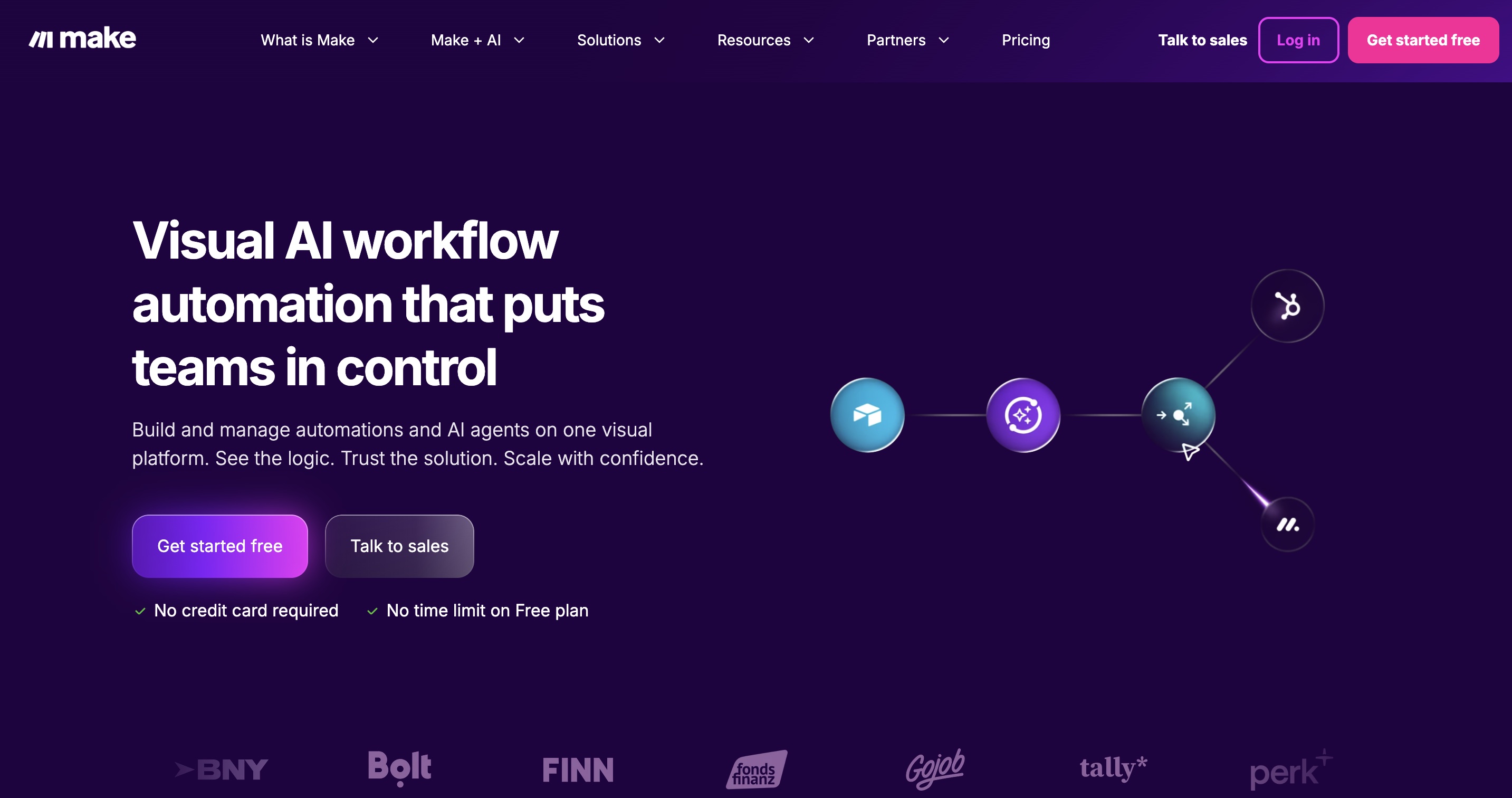
What is it good for? Make lets you automate tasks and workflows, all the way up to entire applications and systems.
Who is it for? Perfect for companies looking for an intuitive Zapier alternative with better pricing and European data protection standards.
With Make, users can use drag-and-drop to automate existing workflows or build new, complex processes. According to the company, thousands of fast-growing businesses worldwide already rely on Make.
The tool stands out for its visual approach to complex automations, which are called "Scenarios." This graphical interface makes even nested workflows clear and easy to follow.
A major advantage is that the tool is based in the EU, which simplifies data privacy concerns significantly. Make also offers numerous integrations with popular tools and platforms. If a direct integration is missing, it can usually be handled via webhooks.
What users love most:
- Much more intuitive to use than many other middleware solutions
- Fair pricing compared to competitors
- Fast and helpful support, often including video tutorials
- Extensive template library for a quick start
- Regular additions of new integrations
Things to keep in mind:
- Can seem a bit overwhelming for beginners at first
- For more complex use cases, the documentation isn't always detailed enough
- Occasionally, issues can arise between modules when building longer chains
Use cases:
- Email automation and referral programs
- File conversion and Excel sheet processing
- Automated marketing reporting
- Integrating various tools without needing to code
- Social media automation
Pricing (as of August 31, 2026):
In 2025, Make switched from an "operations" model to a credit-based system. While the figures mentioned in the original article are still roughly accurate, here are the currently verified numbers:
- Free: 1,000 credits/month, max. 2 active scenarios
- Core: from $9/month (billed annually) – 10,000 credits/month
- Pro: from $16/month (billed annually) – 10,000 credits/month, priority execution
- Teams: from $29/month (billed annually) – 10,000 credits/month, team roles & templates
- Enterprise: custom quote
5. Workato: Orchestration across tool boundaries
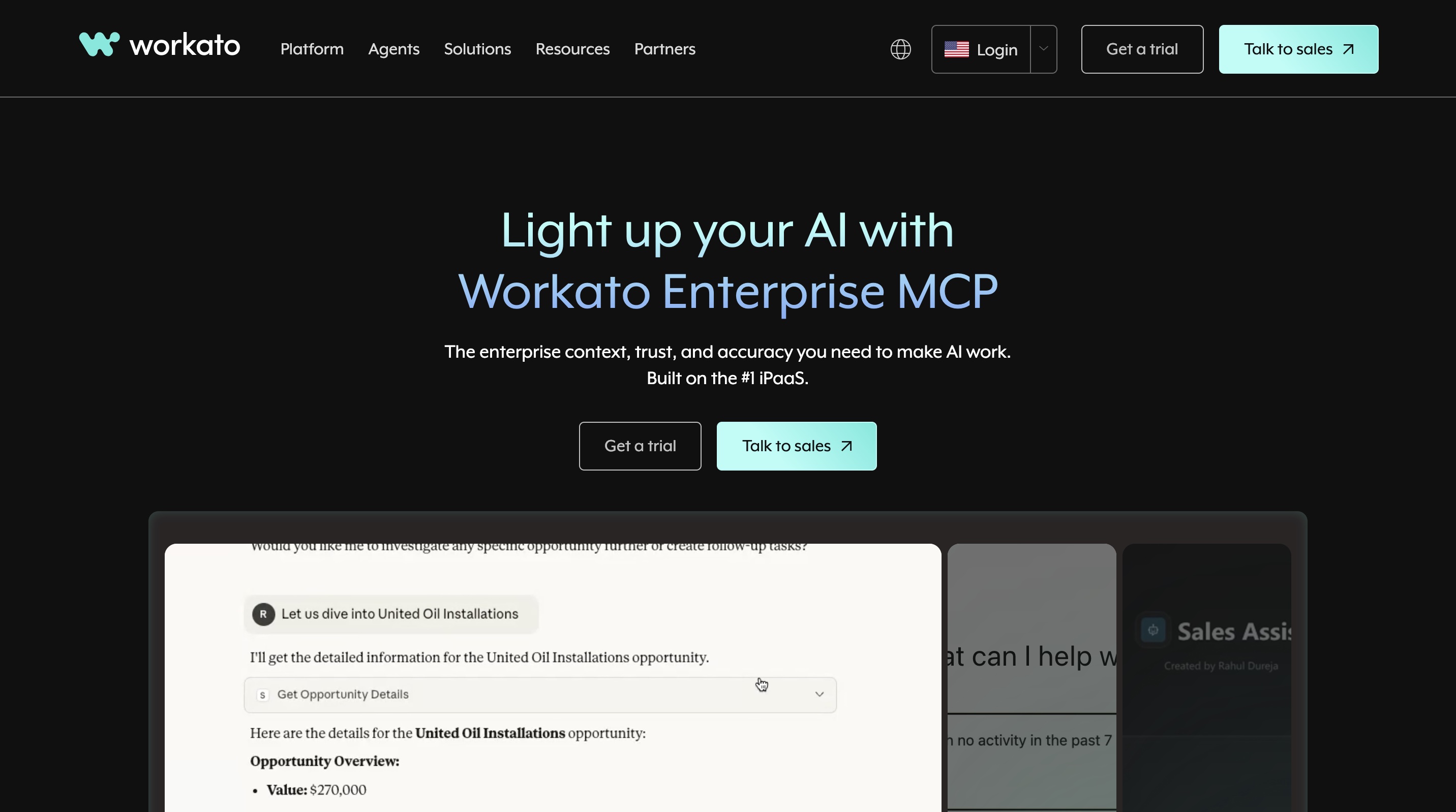
What is it good for? Workato orchestrates complex workflows across apps using role-based AI agents.
Who is it for? Perfect for cross-functional teams in IT, HR, finance, and operations.
Workato goes beyond simple app connections—it’s designed to orchestrate workflows that span across tools, departments, and roles.
The highlight of our test was ITGenie, Workato’s AI assistant for internal processes. When asked vague questions like "What do I do next?", it provided personalized onboarding steps by pulling together data from HR, job descriptions, and team resources.
Its true strength shines when agents work together. When a request for NetSuite access came in, it didn't just say no—ITGenie routed the request, checked policies, suggested alternatives, and created a Jira ticket without needing the same information entered multiple times.
Pros:
- GenAI-Agents perform real actions, not just chat
- Flexible design for human approvals and escalations
- Integrated role detection streamlines onboarding and access
Cons:
- Support response time can be slow
- Documentation lacks depth for advanced features
Pricing (as of 08/31/2026):
Workato does not publish fixed list prices; figures are based on industry data and provider statements from several independent sources:
- Free/Trial: limited (around 1,000 workload units, 5 recipes) – for evaluation, not for production use
- Business: from approx. $2,000/month (billed annually), around 50,000 workload units/month
- Enterprise: custom quote, typical market rates often between $84,000 and $180,000/year
- Workato One (Agentic Orchestration): custom quote, premium price point
6. n8n: Developer control without the enterprise bloat
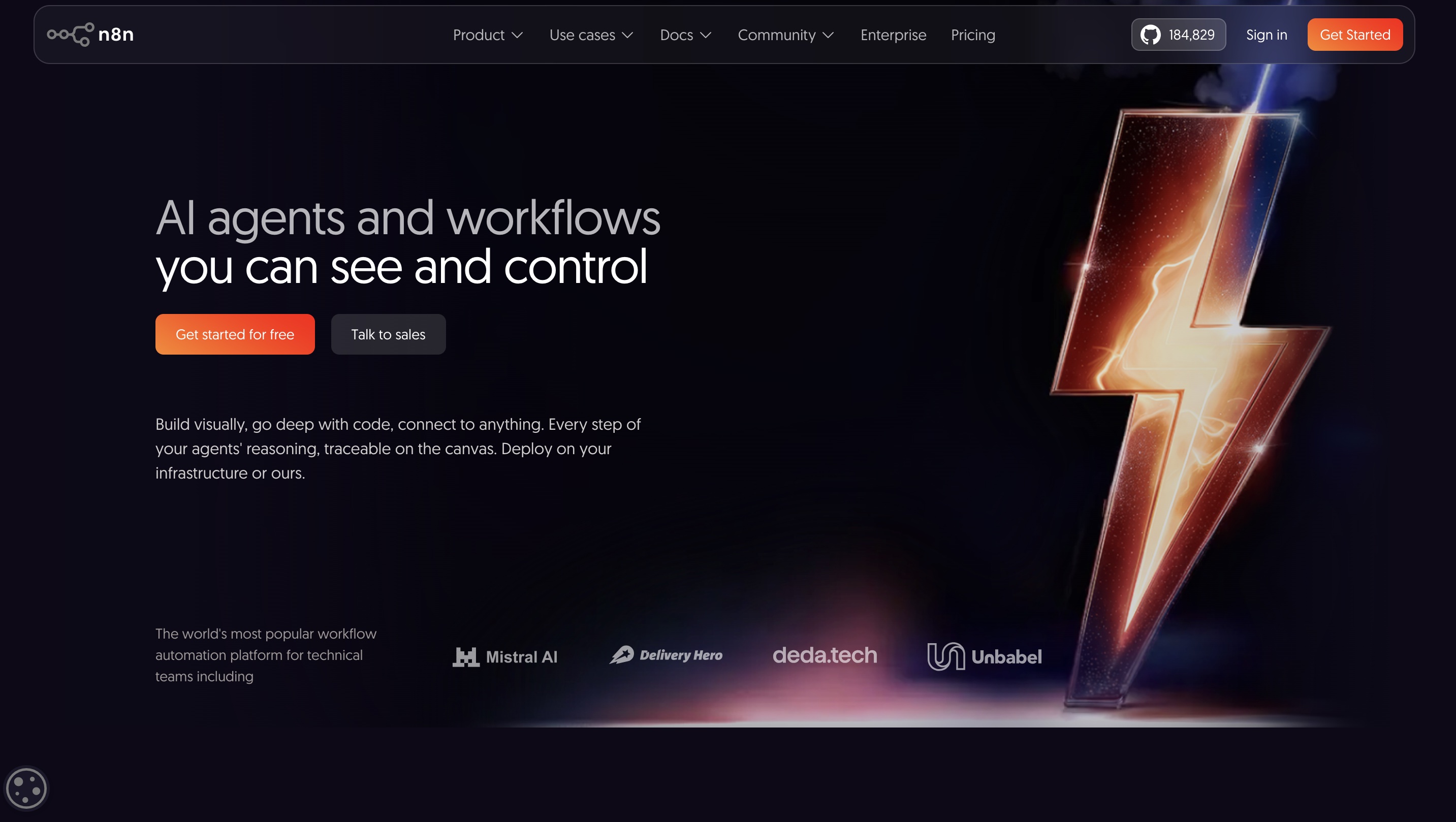
What is it good for? n8n offers complete workflow customization with API calls, logic, and webhooks.
Who is it for? Perfect for technical teams that want flexible, self-hosted automation.
If you prefer building workflows from scratch rather than relying on no-code templates, n8n gives you the tools and freedom to do just that. It’s a developer-focused platform that lets you connect APIs, use conditional logic, manage webhooks, and run advanced workflows.
The test started with a simple Google Sheets to Slack workflow and quickly evolved into more complex processes involving HTTP requests, header configurations, and JSON parsing—all through the same drag-and-drop interface.
What sets n8n apart is its open-source foundation. You can self-host it for free, use the hosted version, or tap into a growing library of over 420 AI and integration templates.
Pros:
- Fully open-source with robust self-hosting options
- Searchable execution logs and custom filters
- Community support, email support, and SLA-based priority support
Cons:
- UI performance drops with large workflows
- Sparse documentation for newer integrations
Pricing (as of 08/31/2026):
- Community Edition (Self-Hosted): free, unlimited executions, all integrations – infrastructure costs separate (starting at approx. $5/month for a small VPS)
- Starter (Cloud): from €20/month (billed annually) or €24/month (billed monthly) – 2,500 executions
- Pro (Cloud): from €50/month (billed annually) or €60/month (billed monthly) – 10,000 executions
- Business (Cloud): from approx. €667/month (billed annually) – around 40,000 executions, SSO, self-hosted option
- Enterprise: custom quote
7. Microsoft Power Automate: For Microsoft-centric companies
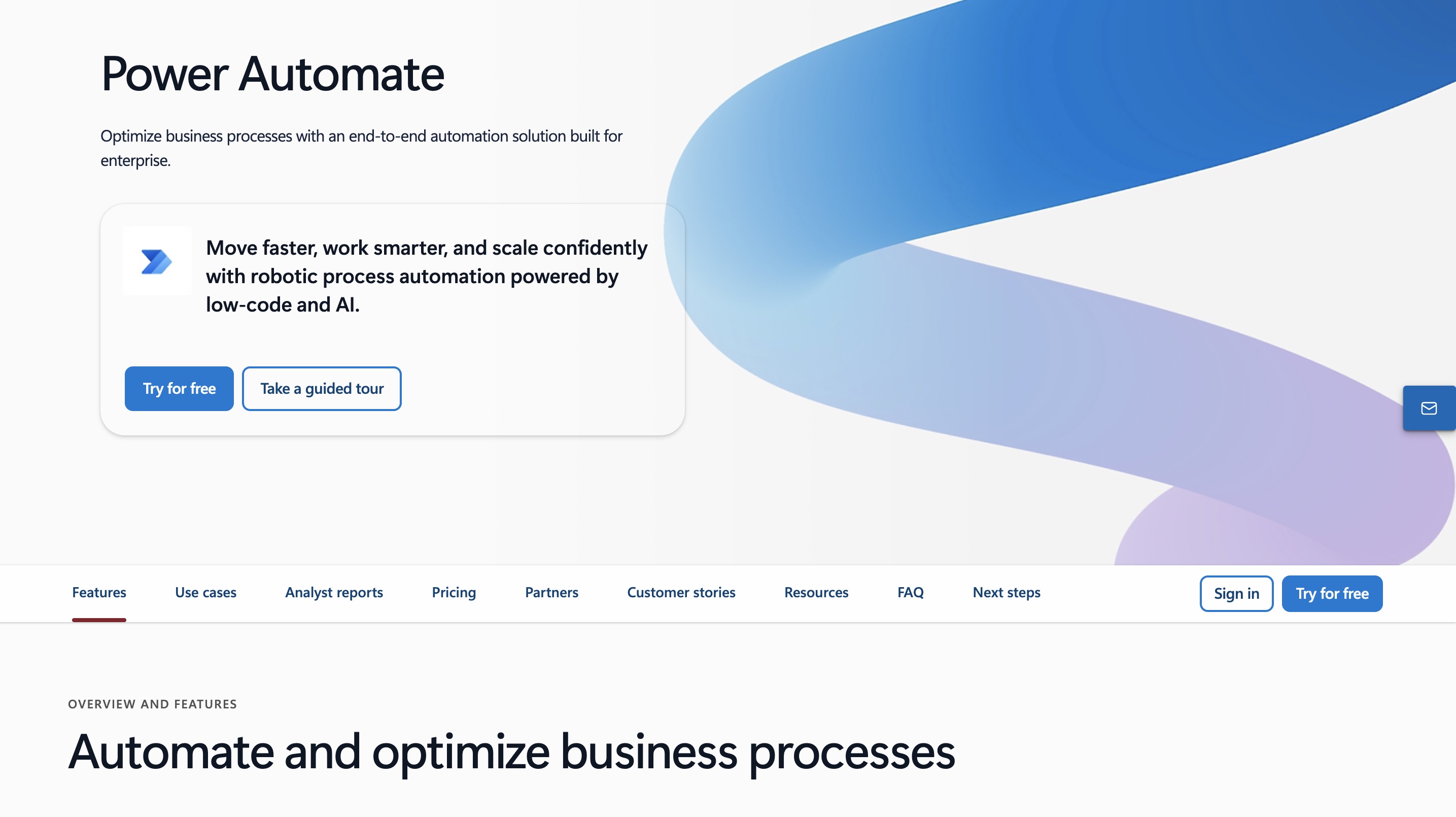
What is it good for? Microsoft Power Automate automates workflows across Microsoft 365 apps and enterprise tools.
Who is it for? Perfect for IT teams and operations managers within the Microsoft ecosystem.
If your organization is already deeply rooted in Microsoft 365, Power Automate feels like the obvious choice. It connects natively with apps like Outlook, Excel, SharePoint, and Teams, so most triggers and actions are already built-in and ready to go.
The visual builder feels intuitive once you get the hang of it. In our testing, we used it to scrape website data, loop through Excel rows, and send personalized emails—all without writing a single line of code.
Power Automate Desktop lets you create flows that run both attended and unattended, and Copilot support helps you build RPA workflows using natural language.
Pros:
- Enterprise-grade governance and compliance tools
- Deep integration with Power Platform and Azure services
- Robust role-based access controls for flow management
Cons:
- Third-party integrations can feel clunky
- Steep learning curve for custom syntax
Pricing (as of 08/31/2026):
- Basic: included at no extra cost in many Microsoft 365 licenses (standard connectors, no premium connectors)
- Premium: $15 per user/month (billed annually) – unlimited cloud flows, premium connectors, attended RPA
- Process: $150 per bot/month (billed annually) – unattended RPA
- Hosted Process: $215 per bot/month (billed annually) – unattended RPA including Microsoft-hosted VM
The best tool for the job depends heavily on your specific business needs. A clear AI strategy and its implementation will help you get there.

Die wichtigste Frage bei der Tool-Auswahl: Braucht ihr eine starre Brücke zwischen zwei Apps oder einen flexiblen, denkenden Assistenten? Wer nur Daten von A nach B schiebt, greift zu Make oder Zapier. Wer unstrukturierte Aufgaben lösen will, braucht KI-Agenten.
Types of automation software
Not all automation is built the same. There are five main types of automation software, each designed to solve different problems:
1. Robotic Process Automation (RPA)
Best for: Legacy systems, finance teams, and back-office tasks
RPA tools mimic human actions—clicking, copying, pasting, and filling out forms—especially in systems without APIs. They are perfect for automating repetitive tasks in older enterprise environments.
2. Business Process Automation (BPA)
Best for: Cross-departmental coordination and company-wide workflows
BPA takes a more holistic approach. Instead of automating individual tasks, it connects departments and systems to optimize entire business processes.
3. Workflow Automation
Best for: SaaS tasks, small teams, and operations roles
This is where most people start. Tools like Zapier, Make, and Lindy help you connect your favorite apps to automate everyday tasks.
4. Industrial Automation
Best for: Manufacturing, logistics, and hardware-based operations
These systems are huge in sectors like automotive, shipping, and warehousing. Industrial automation includes physical systems like robotic arms and conveyor belts.
5. Test automation
Best for: Developer teams, QA pipelines, and product testing
Test automation helps engineering teams run tests on new features without having to do it manually. Tools like Selenium, Cypress, and Playwright can run through login flows and payment systems with every code push.
How was the best automation software selected?
The selection wasn't just based on whether tools "automate something." It was about practical, scalable, and helpful platforms for real-world scenarios. After weeks of hands-on testing, these were the most important factors:
1. Workflow design and flexibility
Good automation starts with a clear, intuitive builder. We looked for tools with visual drag-and-drop interfaces or low-code editors.
2. Integration and extensibility
The best tools play well with others. We prioritized platforms that integrate with popular apps like Slack, Google Workspace, connect Microsoft 365, Salesforce, and Notion.
3. Reliability and error handling
Automation errors happen. What matters is how the tool helps you recover. We looked for platforms with clear debugging tools.
4. Onboarding and scalability
From templates to in-app guides, we favored tools that help users get started quickly. We also tested for scalability.
5. AI, community, and extras
Modern automation is about more than just rule-based triggers. We gave bonus points to platforms with built-in AI assistants or GPT-powered suggestions.
Which is the best automation tool?
If you’re looking for a platform that combines power, flexibility, and ease of use, Lindy stands out as the best automation software for 2026. It lets you build intelligent, task-specific AI agents that can manage emails, prep CRMs, extract data from documents, and handle follow-ups—all without constant supervision or complex setup.
You can even choose between different AI models like ChatGPT, Claude, or Gemini, depending on the task. Lindy also offers pre-built templates, integrations, and a generous free plan.
Frequently asked questions
Can small businesses benefit from automation software?
Absolutely. Small businesses often operate with limited resources, and automation can help them punch above their weight. Tools like Lindy offer free plans and simple templates.
Do you need coding skills to implement automation software?
No, most modern automation platforms are designed for non-technical users. You'll find drag-and-drop workflow builders, ready-made templates, and AI support.
How does automation software affect employment?
Automation software impacts employment by both creating and eliminating jobs. While some routine tasks are automated, new job opportunities emerge in areas like automation development and maintenance.
What are the risks associated with automation software?
Like any system, automation has risks if not managed carefully. Poorly set up workflows can send incorrect emails or update the wrong database fields.
What is the return on investment (ROI) for automation software?
The ROI for automation can show up surprisingly quickly, often within the first quarter. Instead of spending hours on administrative work, your team gains time for decision-making and innovation.
Can automation software integrate with existing business systems?
Yes, automation software can and often does integrate with existing business systems. This integration typically happens via APIs, connectors, or pre-built integrations.
Posted by:

Jens is the co-founder of bakedwith, a boutique consultancy firm specialising in smart automation and AI. He helps medium-sized companies and corporations to optimise processes, reduce manual work and achieve growth through efficient workflows. Previously, he was Growth Lead at OMR and worked as a freelancer, helping numerous companies optimise their CRM and automation systems. Jens is passionate about combining growth and efficiency to enable teams to focus on what matters most.

.webp)

.webp)

.webp)